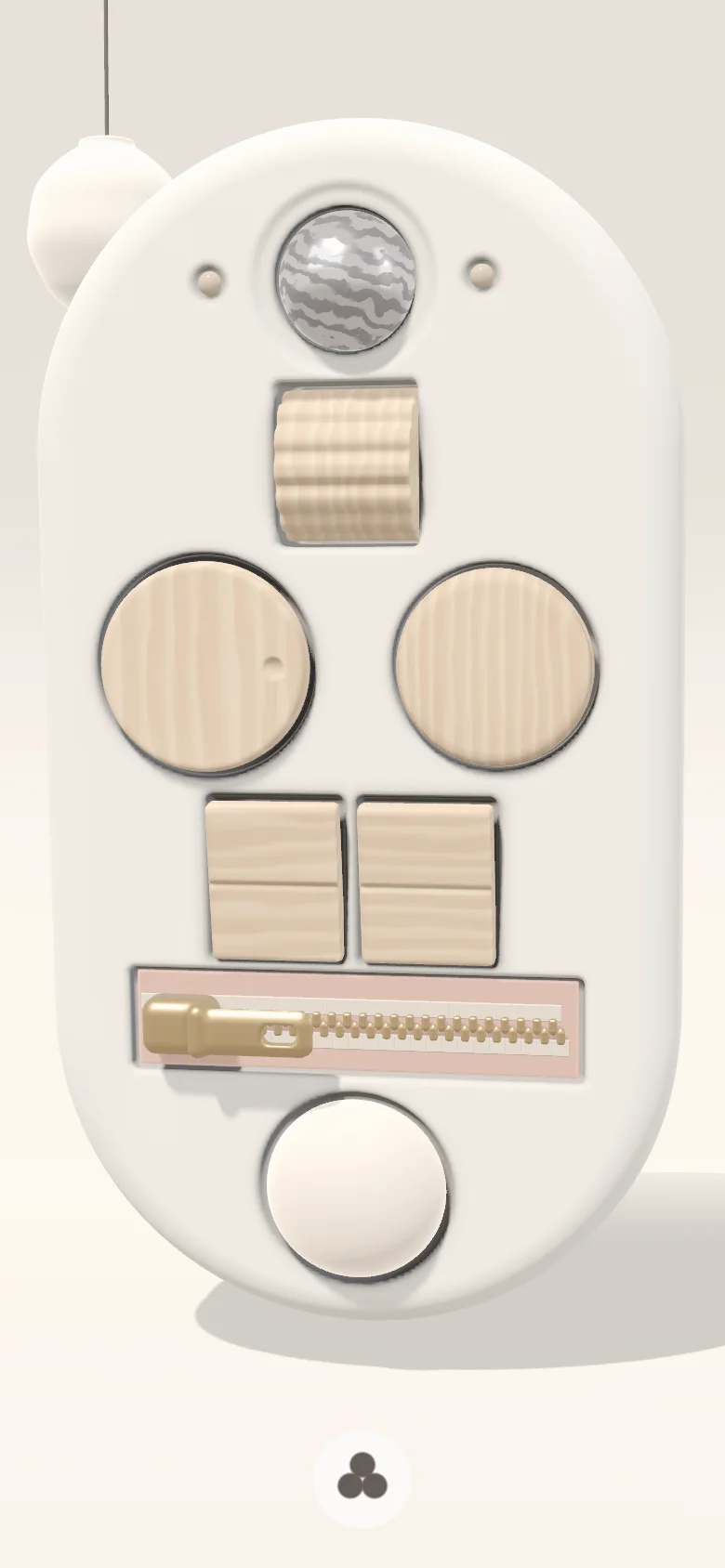
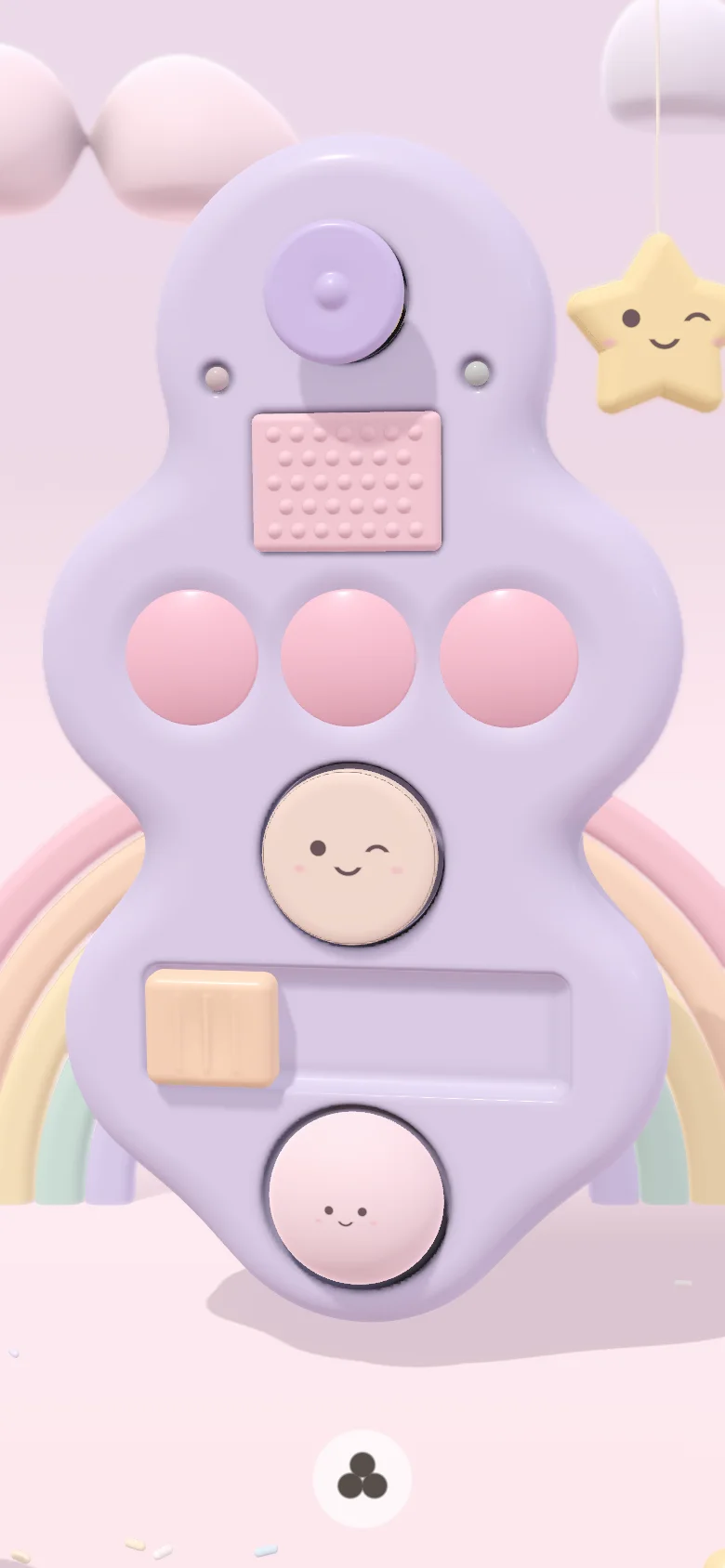
Put a finger on a button, a wheel or a switch and play with it. Several fingers can play at once. A finger next to the toy turns it around, and a double tap turns it back.
Each toy sits in its own little world that answers slowly: a dial moves the sun, a switch lights a lantern, a zipper makes a rainbow glow. One button starts a soft, steady purr you can feel in your hand. Lights fade on and off. Nothing blinks.
The first toy, Birch, is free. Each further toy is a one-time purchase of its own. No subscription, no ads.
Support
Something not working, or a question about the app? Write to app@lukaspfahler.de. Please say which iPhone and which iOS version you use. We answer in English or German.
How do I play?
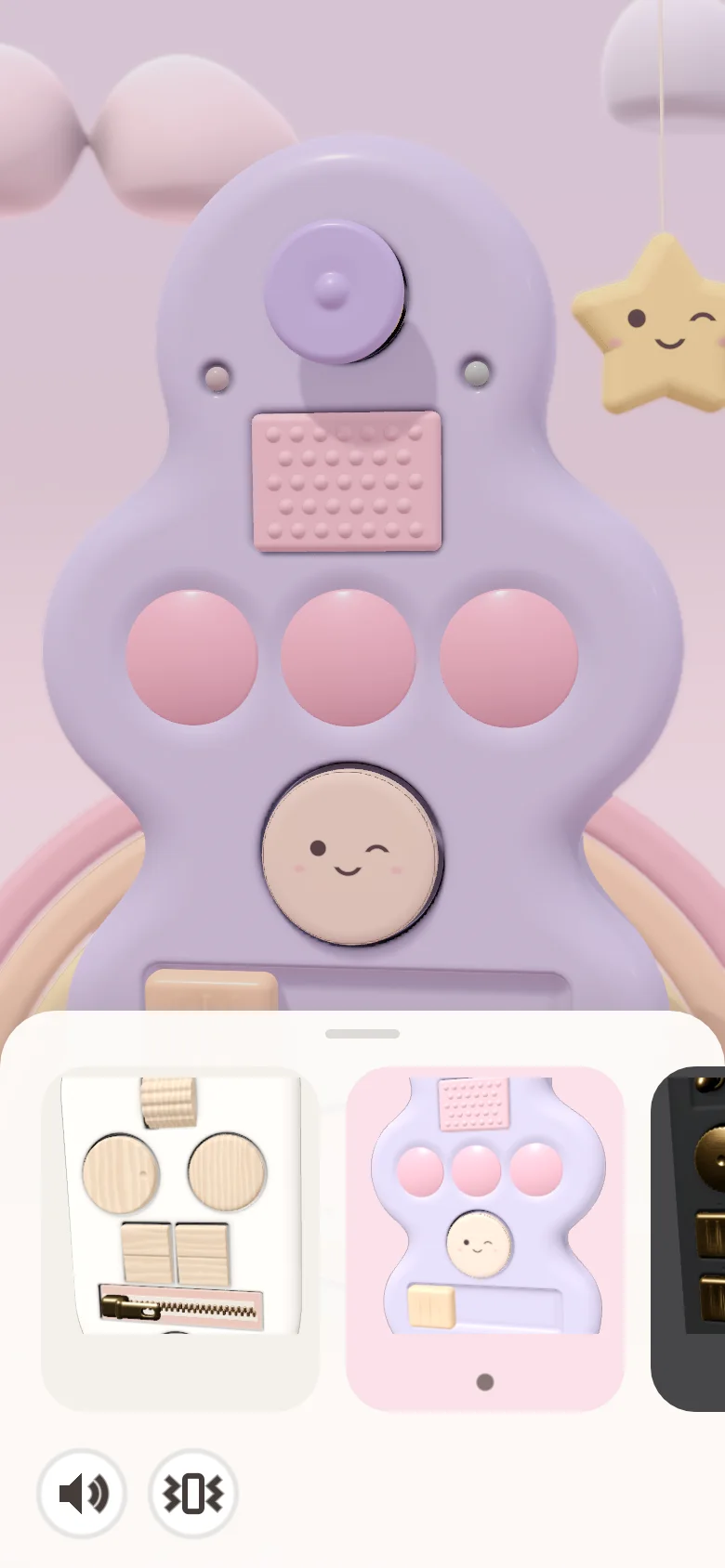
Touch any part of the toy to play with it. Touch the background and drag to turn the toy, and double-tap the background to turn it back. The round button at the bottom opens the shelf, where you tap a toy to bring it out.
I bought a toy, but it shows a price again
This can happen after reinstalling the app or moving to a new iPhone. Open the shelf with the round button at the bottom and tap Restore purchases. You need to be signed in with the Apple Account that made the purchase. You are not charged again.
A toy shows no price, or the purchase does not go through
The price comes from the App Store, so the iPhone has to be online at that moment. Check the connection, and check under Settings → Screen Time that in-app purchases are allowed, then try again.
Can I get a refund?
Purchases are sold and billed by Apple, so refunds go through Apple as well: reportaproblem.apple.com.
How do I switch sound or vibration off?
Open the shelf with the round button at the bottom. Two round buttons sit in its bottom-left corner, one for sound and one for vibration. Tap one to switch it off or on. The app remembers the choice.
I feel no vibration
Check that the vibration button in the shelf is switched on. An iPad has no vibration motor, so there the toys only make sound.
Privacy policy
Last updated: 27 November 2026
In short: Fidget Gadget has no accounts, no ads, no analytics and no tracking. The app does not collect any personal data and does not send anything about you to us or to anyone else.
Who is responsible
Lukas Pfahler. Contact: app@lukaspfahler.de. The postal address is in the imprint.
The app
- The app contains no advertising, no analytics or crash-reporting service, and no other third-party code that sends data off your device. It asks for no permissions, sends no notifications and has no sign-in.
- Your settings (sound and vibration on or off) and which toys you own are saved on your device only. Deleting the app deletes them.
- Purchases are handled entirely by Apple through the App Store. We never see your name, your Apple Account, or your payment details. Apple tells the app only which toys have been bought. Apple's handling of your data is described in Apple's privacy policy.
- If you have agreed on your iPhone to share analytics with app developers, Apple may show us anonymous, aggregated figures such as the number of downloads or crashes. These cannot be traced back to you, and you can switch this off under Settings → Privacy & Security → Analytics & Improvements.
This website
This website uses no cookies, no analytics and no content from third parties. It is hosted on Microsoft Azure. As with any website, the hosting provider's servers process your IP address and the time of your visit in order to deliver the page and keep the service secure (Art. 6(1)(f) GDPR). We do not combine this with any other data.
When you write to us
If you send us an email, we use your address and the content of your message only to answer you (Art. 6(1)(f) GDPR), and delete the correspondence once the matter is settled, unless the law requires us to keep it longer.
Children
The app is suitable for all ages and collects no data from anyone, including children.
Your rights
Under the GDPR you have the right to access, correct or erase personal data we hold about you, to restrict or object to its processing, and to lodge a complaint with a data protection supervisory authority. Since the app collects nothing, in practice this concerns only emails you have sent us. Write to the address above.
Changes
If the app or this website ever changes in a way that affects your data, this policy will be updated here before the change takes effect, with a new date at the top.